
Download Fulltrust Express – business management, inventory tracking, sales tracking, client management, barcode scanner, small business tools, mobile productivity, point-of-sale, business analytics, CRM
Overview
Fulltrust Express is a mobile application designed to support small- and medium-sized businesses in managing essential operational tasks. The app serves as a centralized tool for inventory control, client management, and sales tracking, aiming to streamline daily workflows and improve business efficiency. By integrating multiple functions into a single platform, it reduces the need for fragmented software solutions, enabling business owners and staff to manage operations from a smartphone or tablet. The app is particularly suited for retail outlets, service providers, and independent entrepreneurs who require real-time access to business data without complex setups.
Its core purpose lies in simplifying administrative duties through automation and intuitive design. Tasks such as recording sales, updating stock levels, and tracking customer interactions are made more efficient, reducing manual errors and saving time. The application helps businesses maintain accurate records, support better decision-making, and enhance customer service quality. In today’s competitive environment, where digital tools are increasingly vital for growth, Fulltrust Express offers a practical solution for organizations seeking to modernize their operations without significant investment.
Developed by Fulltrust, the app has been available since 2012, indicating a long-standing presence in the productivity space. Although specific details about the developer’s background are not provided, the app’s longevity suggests a commitment to reliability and user support. The platform’s focus on core business functions aligns with the needs of users who prioritize functionality over advanced customization. Real-world use cases include managing stock in a small retail store, tracking client interactions in a service-based business, or monitoring sales performance during seasonal campaigns.
Key Features & Functionality
- User-Friendly Interface: The app features an intuitive layout that allows users to navigate through its functions with minimal learning curve. Even individuals with limited technical experience can access core tools efficiently, making it suitable for teams with diverse skill levels.
- Integrated Barcode Reader: This built-in scanner enables quick product identification at point-of-sale terminals, accelerating transaction processing and reducing manual input errors. It supports real-time inventory updates when a sale is recorded.
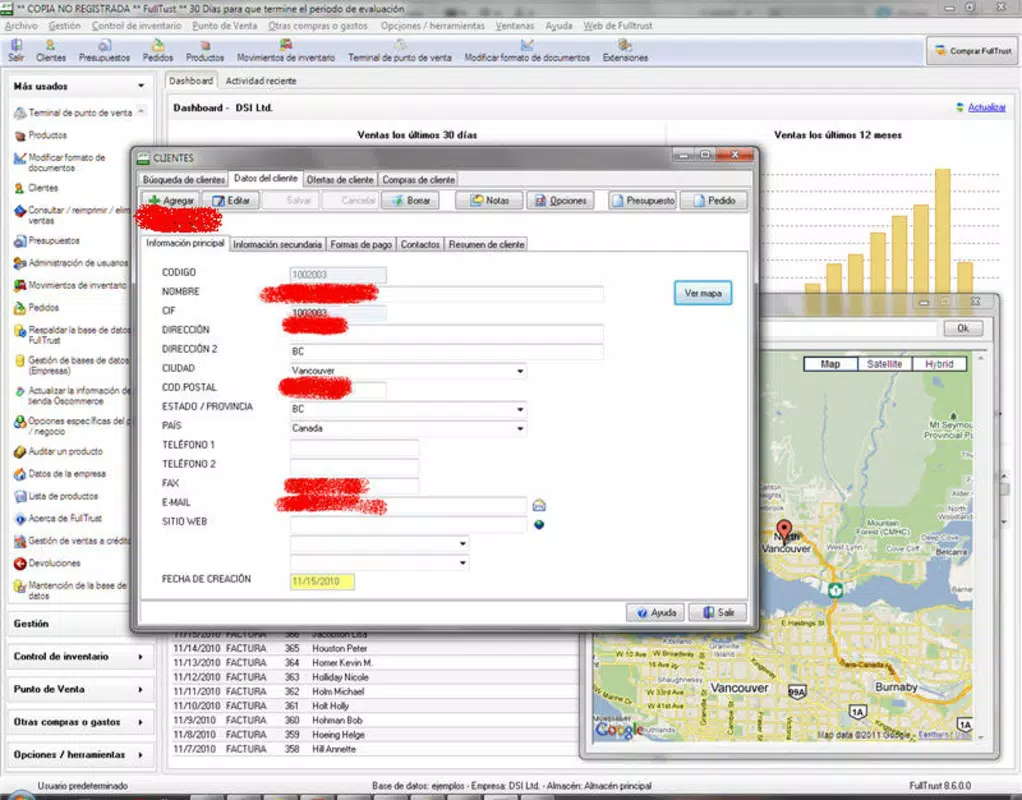
- Comprehensive Client Management: Fulltrust Express maintains a centralized database of client contacts and interaction history. Users can store customer details, track service history, and organize communication, supporting personalized service delivery.
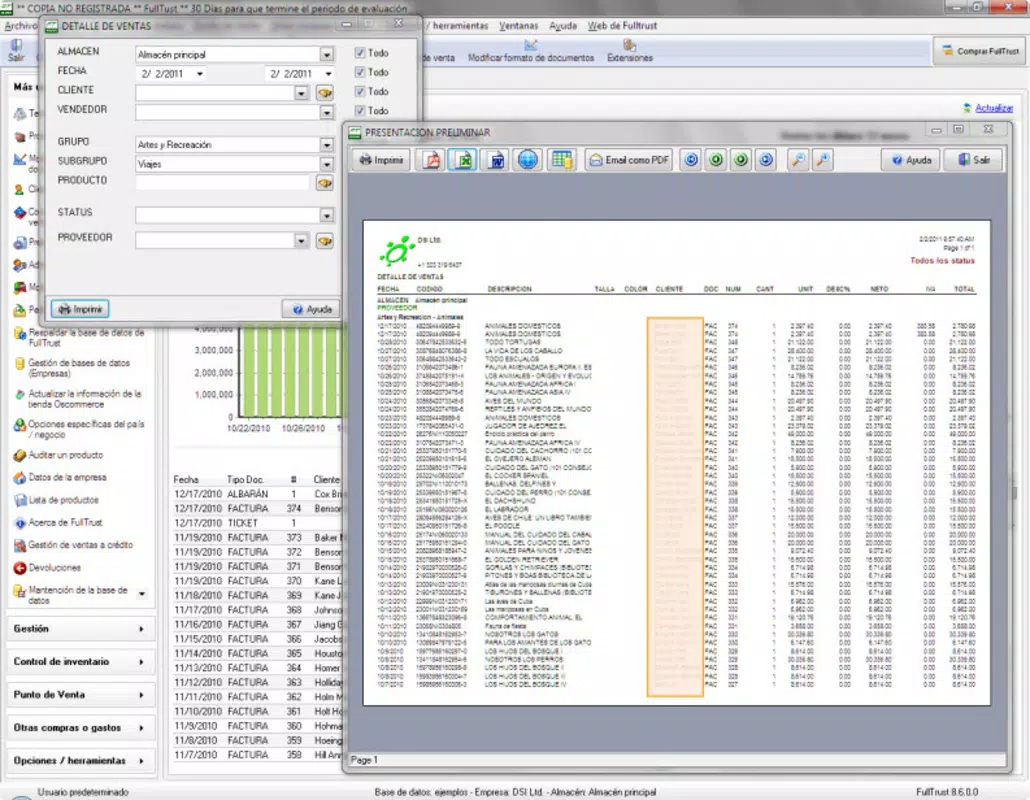
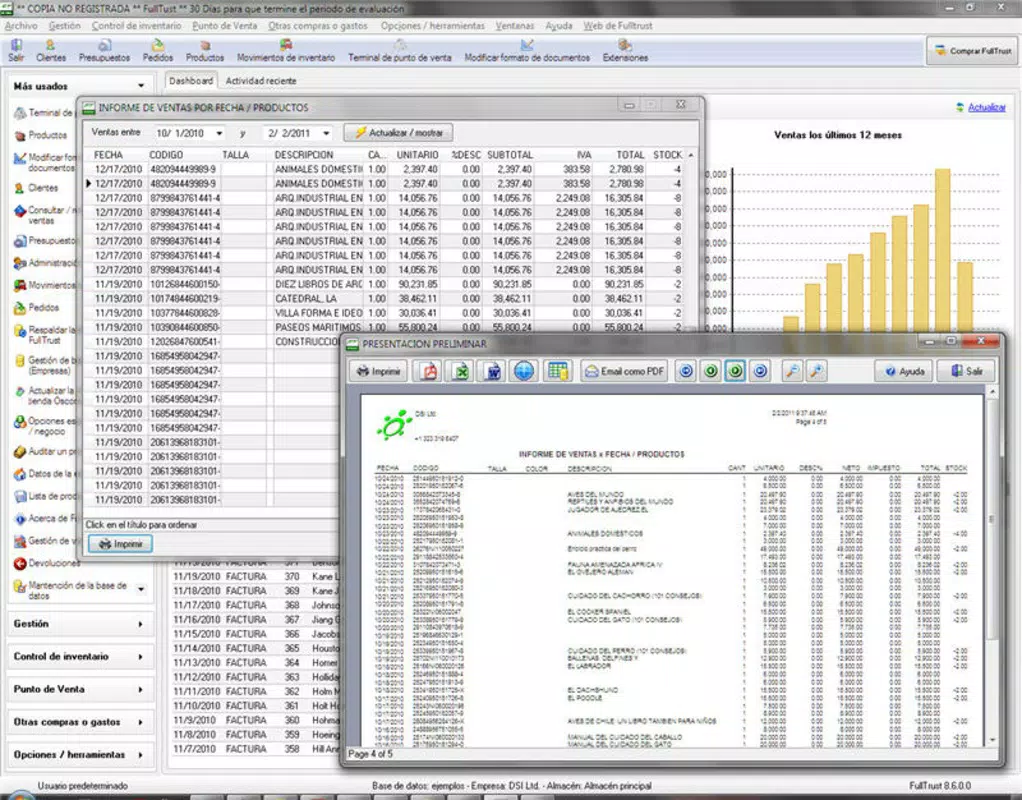
- Sales Performance Analysis: The app provides access to key sales metrics and performance reports, allowing business owners to monitor trends, identify top-selling items, and adjust strategies based on real-time data.
- Enhanced Customer Service Support: By automating routine tasks such as data entry and record-keeping, the app frees up time for staff to focus on direct customer engagement, improving satisfaction and retention.
For example, a small retail shop can use the barcode scanner to process sales quickly, update inventory in real time, and later analyze weekly sales data to reorder high-demand products. Similarly, a local service provider can use the client management system to schedule appointments, log service history, and send follow-up messages, all within the same app.
Interface, UX & Performance
The user interface of Fulltrust Express emphasizes clarity and ease of navigation. The layout is designed with a clean visual style, using consistent icons, readable fonts, and logical menu placement. Users can access core functions—such as sales entry, inventory updates, and client profiles—with minimal taps, supporting fast workflow execution.
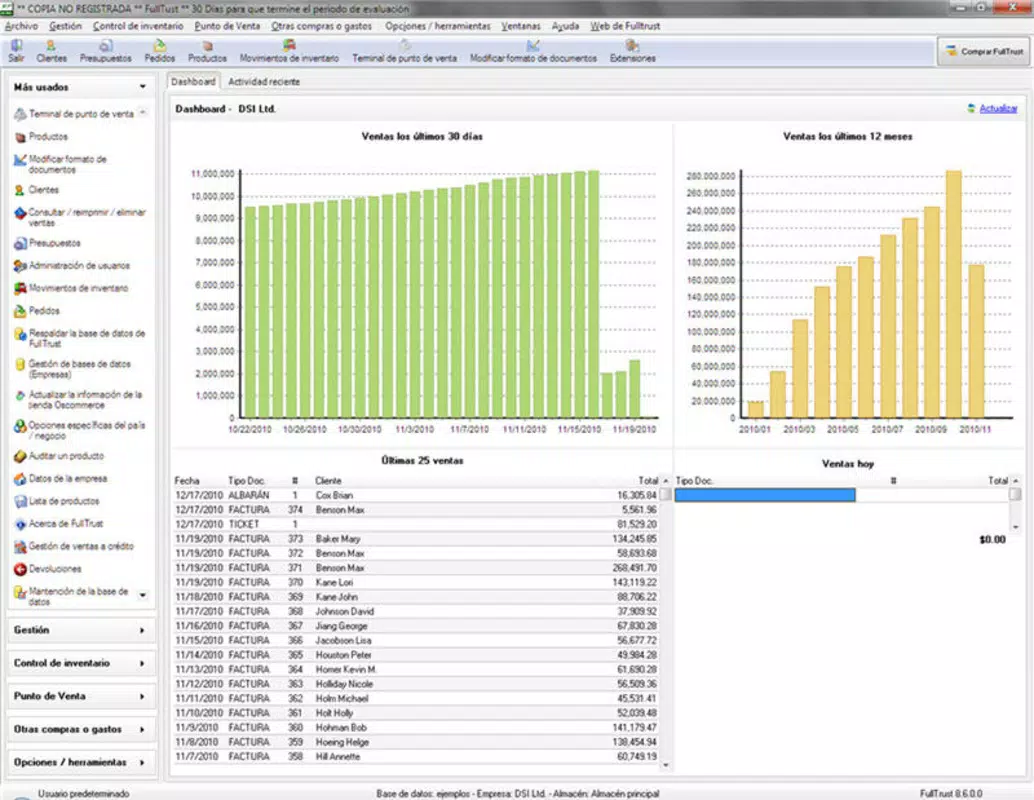
Navigation is structured around a main dashboard that displays key metrics and quick-access buttons for frequently used tools. The app maintains a consistent flow between screens, minimizing confusion and reducing the likelihood of user errors. The design supports both portrait and landscape orientations, enhancing usability on different device types.
Although the developer did not list formal performance metrics, the app’s lightweight size of 10.2 MB suggests optimized resource usage. This size is favorable for older Android devices and users with limited storage. The app is expected to operate smoothly on a range of Android devices, though specific requirements were not disclosed. Responsiveness appears to be a priority, as the interface adapts quickly to user inputs, supporting timely data entry and retrieval.
Stability is likely maintained through consistent updates, though no release notes or update frequency details were provided. Overall, the UX is designed to reduce friction in daily operations, making it accessible to non-technical users while supporting productivity in fast-paced environments.
Platform Compatibility & Technical Requirements
Fulltrust Express is available exclusively on the Android platform. The current version is 1.0.1, with a file size of 10.2 MB. The app is offered at no cost, making it accessible to budget-conscious business owners and startups.
The developer did not specify minimum OS requirements or device compatibility details. As such, it is unclear whether the app supports older Android versions or newer releases. Users are advised to check compatibility with their device’s operating system before installation. The app’s lightweight footprint suggests it may function on devices with limited processing power and RAM, though this has not been confirmed.
Pros and Cons
Pros
- Free to download and use, reducing initial business costs.
- Lightweight size (10.2 MB) ensures quick installation and minimal storage use.
- Intuitive interface suitable for users with limited technical experience.
- Integrated barcode scanner enhances speed and accuracy at point-of-sale.
- Centralized tools for inventory, sales, and client management improve workflow efficiency.
Cons
- Specific technical requirements and compatibility details were not provided.
- No information available on update frequency or long-term support.
- Limited details on cloud synchronization or data backup features.
- Platform availability is restricted to Android only.
- No visible integration with third-party tools or external services.
FAQ
Is Fulltrust Express available for iOS devices?
Currently, the app is only available on the Android platform. There is no official iOS version announced.
Can I use Fulltrust Express without an internet connection?
The app may support offline functionality for basic tasks such as data entry and scanning, but real-time synchronization with cloud data would require an internet connection.
How often is Fulltrust Express updated?
The developer has not disclosed the update schedule or release frequency. Users are encouraged to check the app store for new versions.
Is my business data secure in Fulltrust Express?
While the app does not specify its data security measures, users are advised to review privacy policies and consider backing up critical data externally.
Can I transfer my data from another app to Fulltrust Express?
There is no information available on data import or migration tools. Users may need to manually enter data from existing systems.
Final Thoughts
Fulltrust Express delivers a focused, practical solution for small- and medium-sized businesses seeking to streamline operations without investing in complex software. Its combination of inventory tracking, client management, and sales analytics makes it a valuable tool for entrepreneurs who need reliable, on-the-go access to essential business functions. The user-friendly interface and integrated barcode scanner significantly reduce manual workload, while the app’s free availability lowers the barrier to entry.
While some details—such as technical requirements, update frequency, and data security—are not publicly disclosed, the app’s long-standing presence since 2012 indicates a stable foundation. For business owners managing retail operations, service delivery, or small-scale sales, Fulltrust Express offers a functional, no-frills tool that enhances productivity and customer service.
Download Fulltrust Express now


